
05Beauty effects
Real-time beauty effects,with every paid plan
Live looks, face reshape, makeup, stickers and 3D effects on video, for Android and the web, with a Flutter plugin. Included with every paid Gravix Cloud plan.
Six presets to start from
Pick a preset, then tune it with the controls below.
- Natural
- A light touch that keeps the person looking like themselves.
- Smooth
- Softer skin texture with the face shape left as it is.
- Glow
- Brighter skin and a soft glow for evening and stage light.
- Fresh
- A cooler, clean grade with bright eyes.
- Rosy
- Warm blush and lip tint with a warm colour grade.
- Fair
- Brighter, lighter tone with gentle face shaping.
AndroidWebFlutter plugin
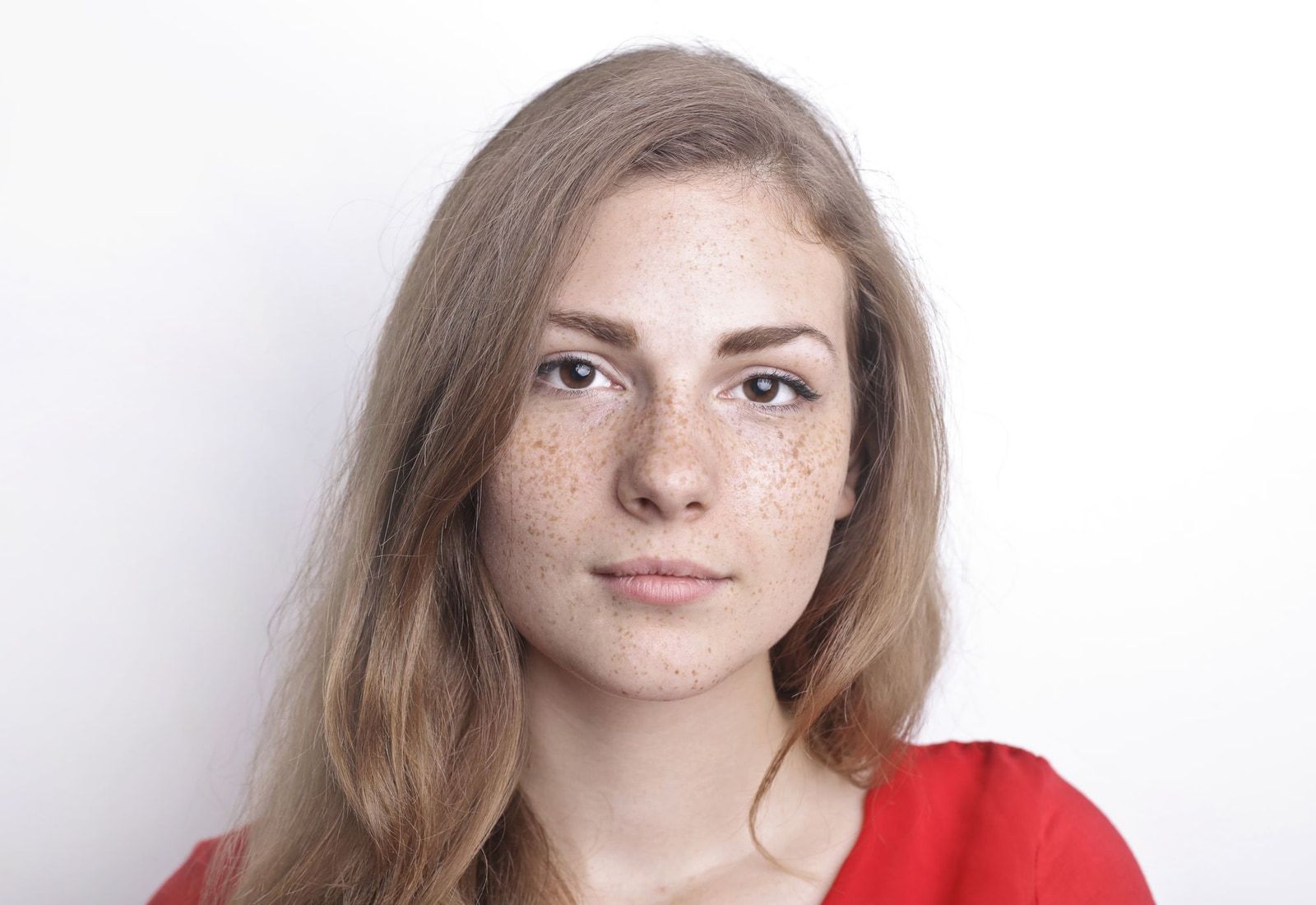
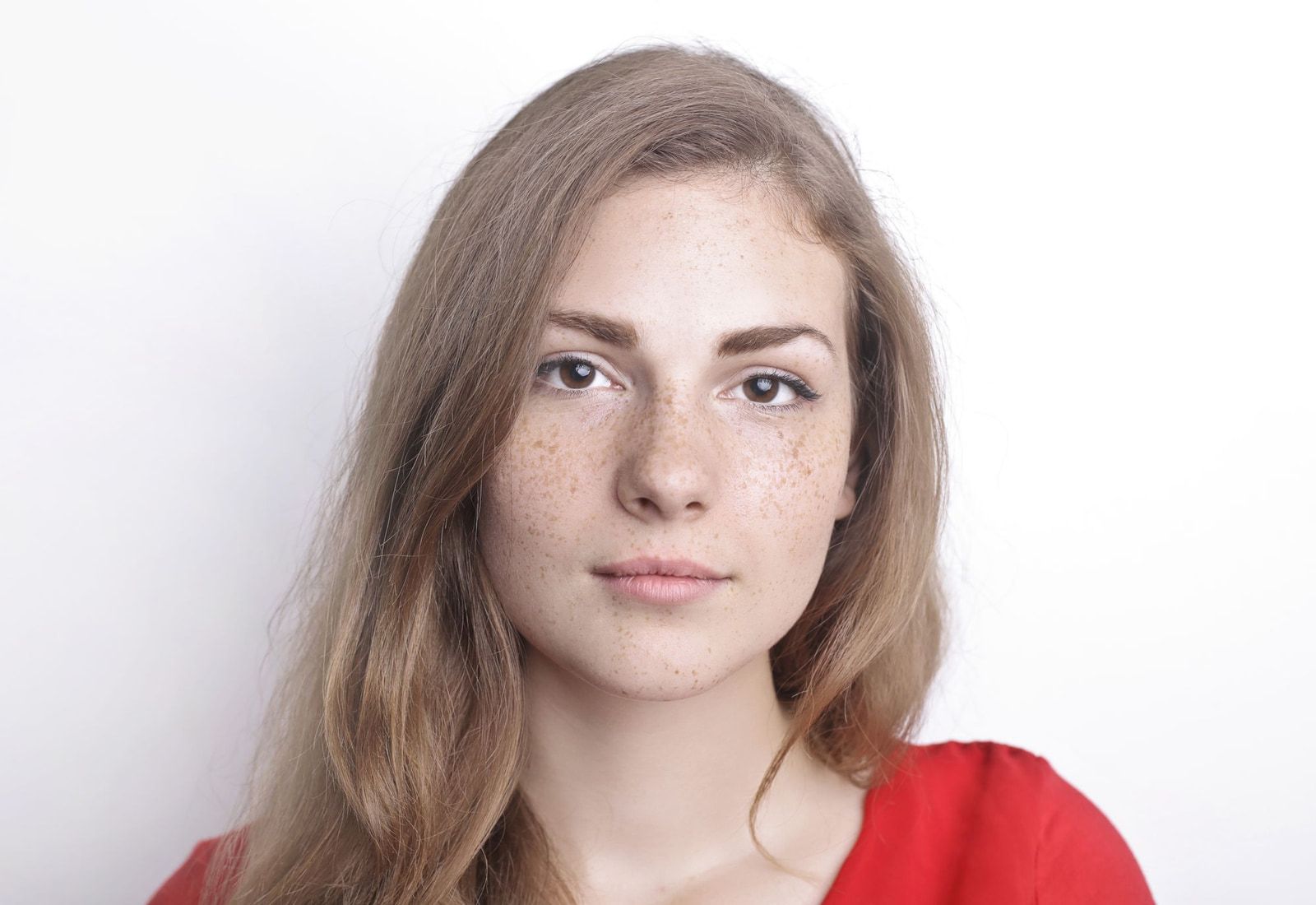
Controls
Every preset and look is built from the same controls.
Skin
Smoothing, brightening, redness reduction and white balance.
Face shaping
Slim the face and adjust the eyes, chin, jaw and nose.
Makeup
Teeth whitening, eye brightening, blush and lip tint.
Colour grades
Colour looks over the whole picture, from warm to cool.
Stickers
Graphics and captions that stay on the head as it moves.
3D effects
3D objects that track the head in three dimensions.
Where it works
Calls and live streams
The filter works on the camera before video is sent, so the look appears in one-to-one calls, group calls and live streams alike.
See Live streamingAndroid, web and Flutter
Runs on Android and the web, with a Flutter plugin for Flutter apps.
Your own looks
Design custom looks in Gravix Studio and export one look file. The SDK renders it in your app.
See Gravix StudioTry it on your phone
The free Android demo app has every look, makeup, sticker and 3D effect to try on your own camera.
Get the demo app
Included with every paid plan
Beauty effects come with Starter, Professional and Enterprise, and with custom MAU packages, with no separate effects fee. Register your app or web domain in the console, create an effects token and pass it to the SDK. The free sign-up minutes alone do not include them.
See pricingBeauty effects questions
Which plans include the beauty effects?
Every paid plan (Starter, Professional and Enterprise) and custom MAU packages, with no separate effects fee and no watermark. On the free sign-up minutes the effects work too, with a Gravix Cloud watermark and QR code on the video; a paid plan removes it.
How do we turn them on?
In the Gravix console, register your Android app package or your web domain and create an effects token. Your app passes the token to the SDK. Without a valid token the effects still run, with a Gravix watermark.
Which platforms does it run on?
Android and the web, with a Flutter plugin.
Does it work in calls and live streams?
Yes. The filter works on the camera before video is sent, so the look appears in one-to-one calls, group calls and live streams alike.
Can we make our own looks?
Yes. Design a look in Gravix Studio, export it as one look file, and the SDK renders it in your app.
Can I try it before integrating?
Yes. Download the free Android demo app from the Beauty Effects Demo page and try every look on your own camera.
Add beauty effects to your app
Tell us your platforms and the look you want. Call, WhatsApp or email our team.